AI infrastructure for Automatic.CSS
Manage the ACSS design system from your AI clients, using an intuitive toolkit for agent-driven design. Works with Claude, Cursor, ChatGPT, or any MCP-compatible client.
> Save my current ACSS settings as a Kit
> Get the ACSS styles from Figma and sync with the live site
> Create an ACSS theme for a Financial Services website
> Make the overall layout spacing a bit tighter
> Apply the Wireframe ACSS Kit to the site and create the basic pages based on the specs
> Save my current ACSS settings as a Kit
> Get the ACSS styles from Figma and sync with the live site
> Create an ACSS theme for a Financial Services website
> Make the overall layout spacing a bit tighter
> Apply the Wireframe Kit to the site and create the basic pages based on the specs
> Suggest an ACSS theme based on the project brief
> Create a layout for a pricing page using existing patterns from the library
> Enable Color Scheme support
> Suggest a new color palette and font family based on the updated brand guide
> Inspect all the available patterns and add context
> Suggest an ACSS theme based on the project brief
> Create a layout for a pricing page using existing patterns from the library
> Enable Color Scheme support
> Suggest a new color palette and font family based on the updated brand guide
> Inspect all the available patterns and add context
> Create a style guide in HTML based on the current ACSS setup
> Enable the Card Framework
> Increase the typographic scale for Headings
> Get me a summary of background and text color assignments
> Turn off unified color lightness for the ACSS palette
> Create a style guide in HTML based on the current ACSS setup
> Enable the Card Framework
> Increase the typographic scale for Headings
> Get me a summary of background and text color assignments
> Turn off unified color lightness for the ACSS palette
Works with
For Agencies and Freelancers working with AI and ACSS at scale
Ready for ACSS 4.0
Schema is based on the latest ACSS architecture and works with version 4.0 of ACSS.
Save ACSS settings as reusable kits
Re-use, experiment and fork your design by saving and managing ACSS configurations as re-usable kits.
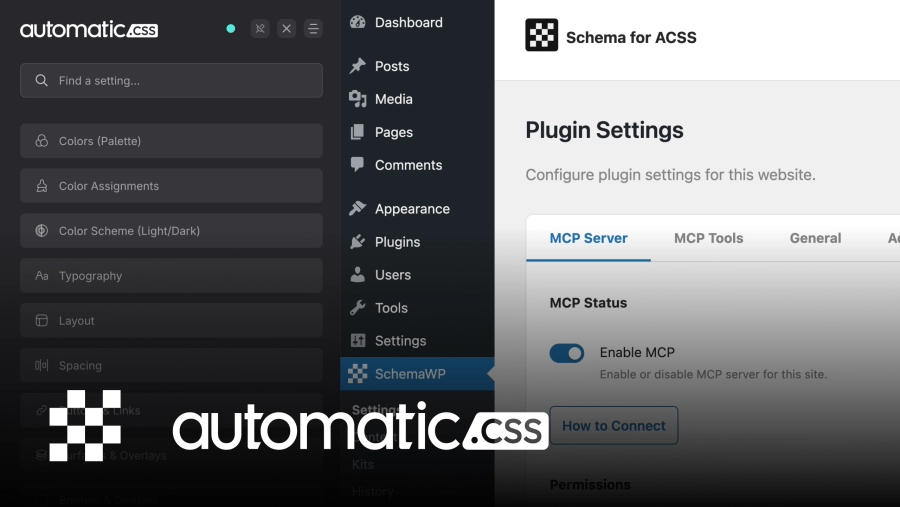
Expose ACSS to agents
Let agents work with Automatic.CSS directly at your connected sites. Pull and push updates, generate ideas.
Fetch from Figma, push to website
Use Figma MCP and Schema to fetch your figma variable architecture and push to your live website.
Generate ACSS styles from context
Describe the project, upload a brief, or paste a color palette. Let the agent propose a starting configuration and push directly to your connected site.
Page-Builder agnostic
Schema works with Etch and Bricks, or any builder that supports ACSS 4.0
Remote ACSS Kits library
Access your ACSS Kits library from any of your connected sites. Import any Kit with a few clicks. For Bricks and Etch.
For Etch: Kits and Pattern Library
If you are using Etch, you can generate and deploy layouts from your agent session, using your existing collection of context-aware patterns.
Workflow
Connect and manage Automatic.CSS from where your project context lives
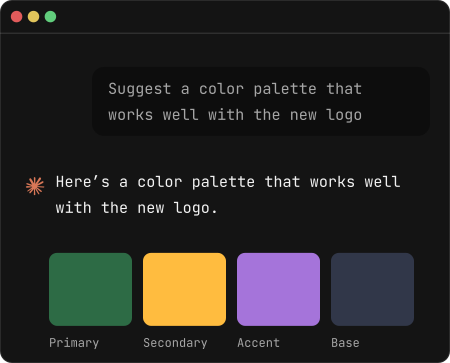
Context-aware design for ACSS
Interact with ACSS inside Claude, ChatGPT, Cursor and more. Generate styles based on your project brief or explore design directions through conversation. Approve and push to your live ACSS setup.
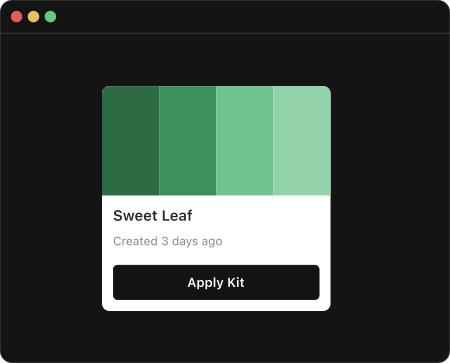
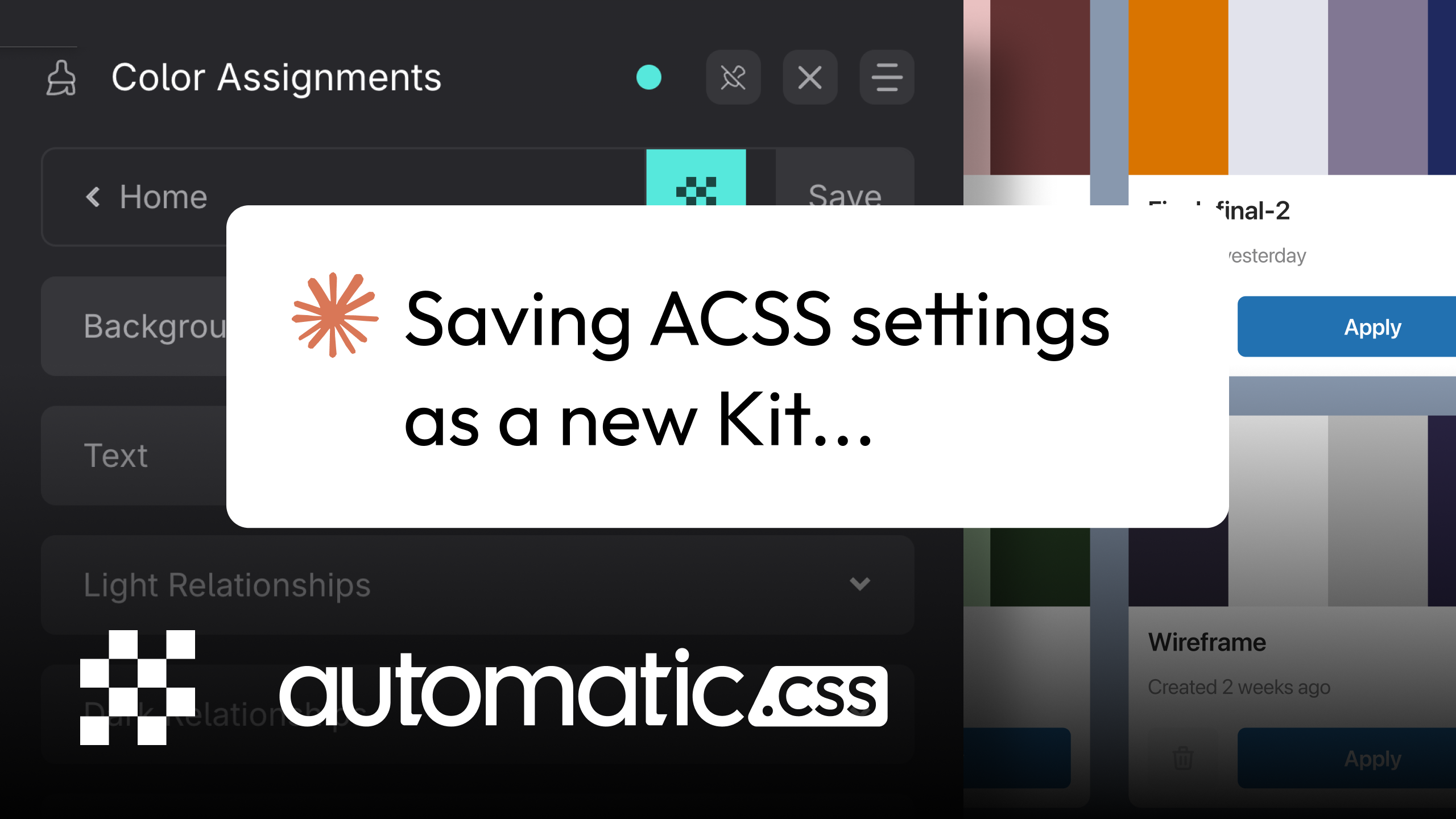
Save ACSS configurations as re-usable kits
Save any configured ACSS setup as a named kit. Load it on any site instantly, with an auto-backup taken before anything is overwritten. Build a library of proven ACSS setups and branch-off as you need.
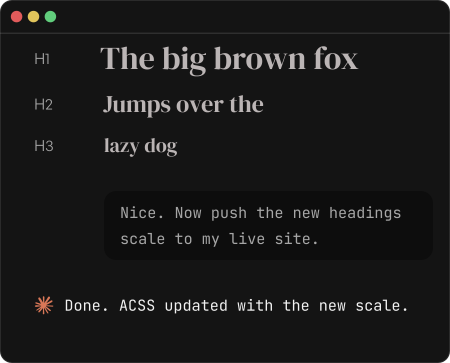
Pull and push ACSS styles to your connected sites
Read the live ACSS configuration from any WordPress site into your AI session. Make changes, preview and deploy back to live. Every change is logged and reversible.
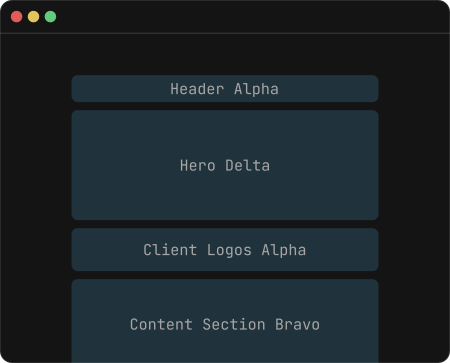
Generate layouts in Etch based on your existing pattern library
Provide context to your existing patterns, and ask the agent to generate layouts by combining your existing pattern material. Token-efficient, fast and predictable results.
Sync styles from Figma
Pull your variable architecture from Figma and map tokens directly to your ACSS configuration. Schema comes with a Figma template that you can optionally use to optimize this process.
EARLY BIRD PRICING – Ending Soon
Lock-in the lowest price and lifetime unlimited access
Early bird pricing ends in September and the unlimited tier does not carry over.
$39.00
one connected site
For website owners who want the efficiency of an agentic workflow for ACSS and Etch for their website.
- Manage ACSS from your agent interface
- Save ACSS settings as reusable Kits
- Works with EtchWP and Bricks
- Lifetime updates and support
- Figma template
- Requires ACSS 4.0
$99.00
Unlimited COnnected Sites
For agencies and freelancers who look to optimize their project workflows at scale.
- Manage ACSS from your agent interface
- Save ACSS settings as reusable Kits
- Works with EtchWP and Bricks
- Lifetime updates and support
- Figma template
- Requires ACSS 4.0
- Share ACSS Kits across connected sites
14-day refund window
Schema is in early development, but early-bird purchases still include a 14-day refund window.
FAQs
Questions about Schema?
Get Lifetime deal before pricing changes
SchemaWP is a lifetime license: $39 for a single site, $99 for unlimited connected sites. Early bird pricing ends in September, and the unlimited tier does not carry over.
Get SchemaWP